Python for PHP Developers, Part 3: JWT Authentication
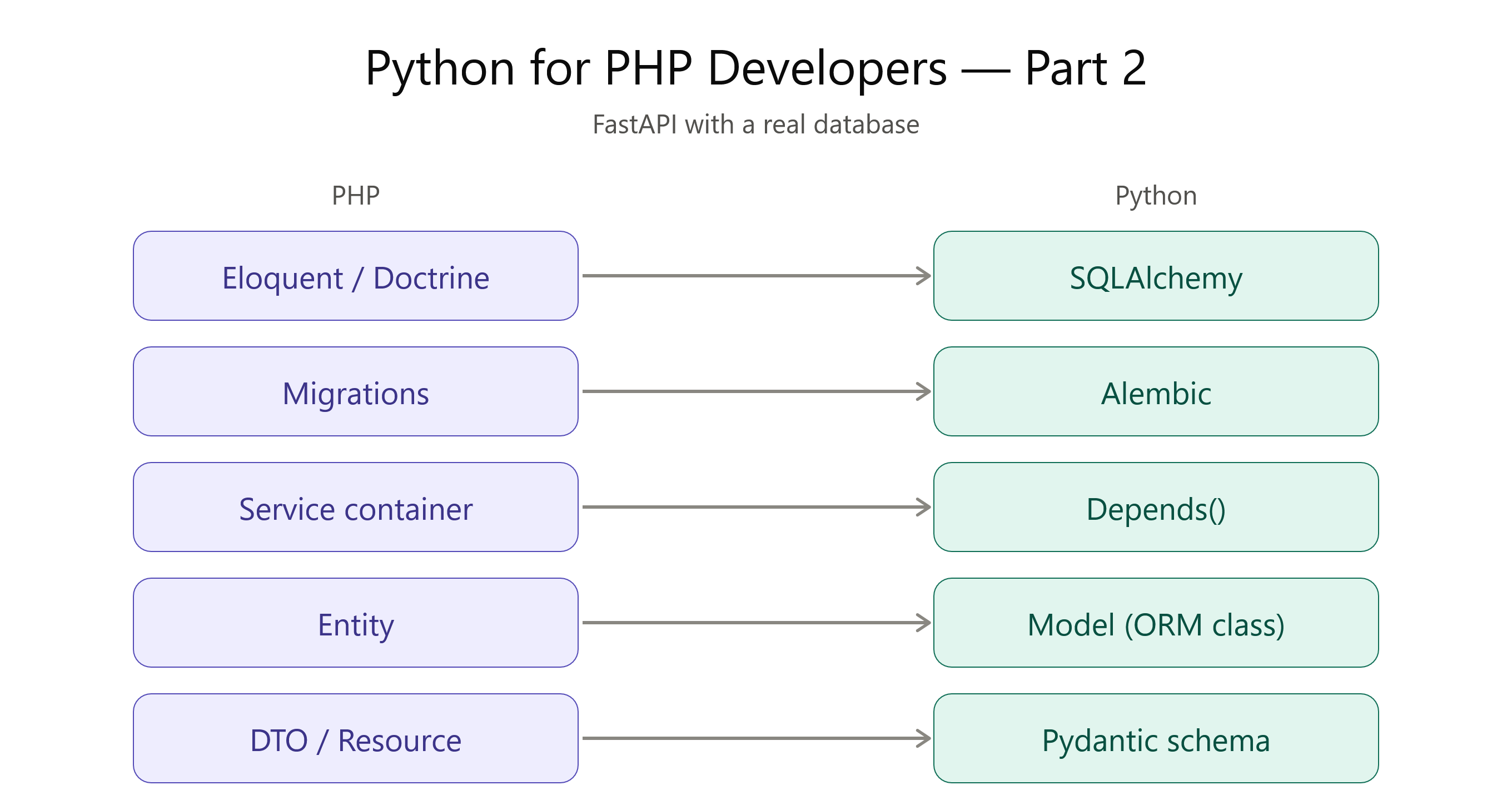
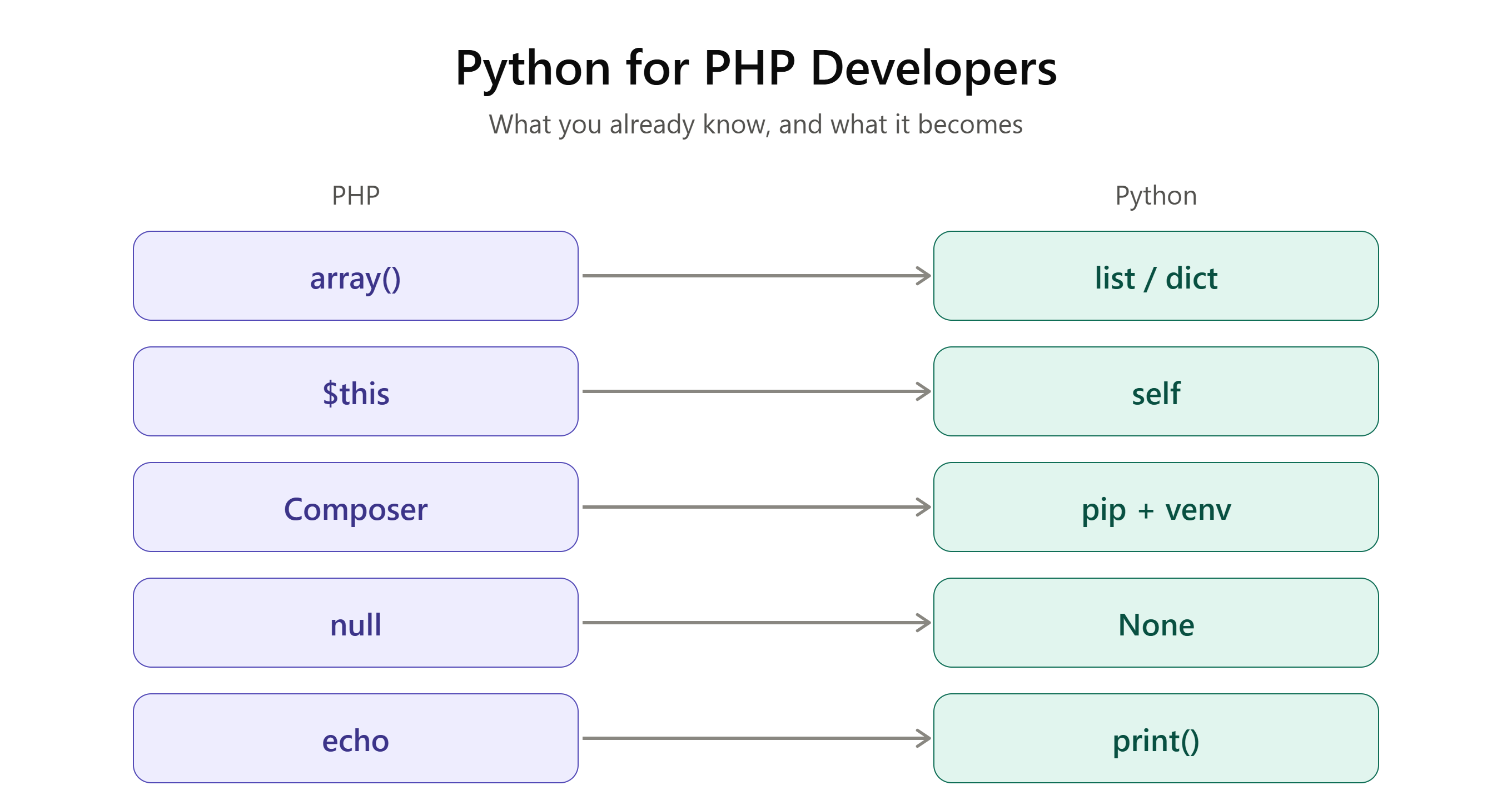
This is Part 3 of a series. Catch up on Part 1: A Practical Crash Course and Part 2: FastAPI with a Real Database.
In Part 2, we built a FastAPI app backed by a real database. Right now, anyone can hit /items and create or read data. This time, we lock it down with JWT authentication — the same core concept you've used in Laravel Sanctum or a custom PHP auth middleware, just wired together differently.
1. Install what you need
pip install "python-jose[cryptography]" "passlib[bcrypt]" python-multipart
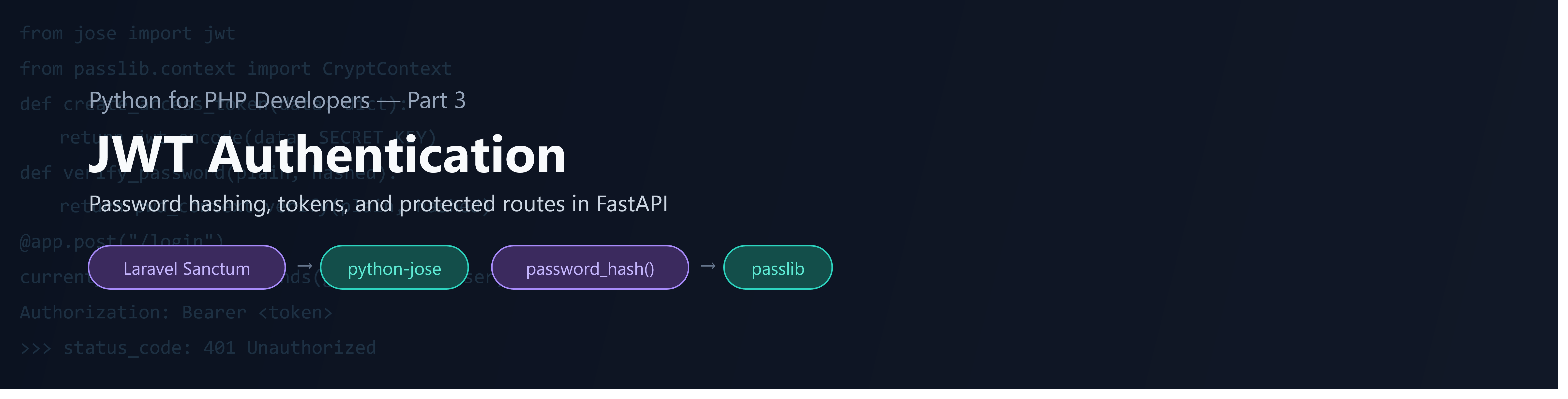
python-josecreates and verifies JWTs (likefirebase/php-jwtor Laravel's built-in signing)passlibhashes passwords (Python's equivalent ofpassword_hash())
2. Hashing passwords
# auth.py
from passlib.context import CryptContext

pwd_context = CryptContext(schemes=["bcrypt"], deprecated="auto")

def hash_password(password: str) -> str:
    return pwd_context.hash(password)

def verify_password(plain: str, hashed: str) -> bool:
    return pwd_context.verify(plain, hashed)
Same idea as password_hash() and password_verify() in PHP — never store plain text, always verify through the library, never compare hashes directly.
3. Creating and verifying tokens
# auth.py (continued)
from datetime import datetime, timedelta, timezone
from jose import jwt, JWTError

SECRET_KEY = "change-this-in-production"   # load from env, never hardcode
ALGORITHM = "HS256"
ACCESS_TOKEN_EXPIRE_MINUTES = 30

def create_access_token(data: dict) -> str:
    to_encode = data.copy()
    expire = datetime.now(timezone.utc) + timedelta(minutes=ACCESS_TOKEN_EXPIRE_MINUTES)
    to_encode.update({"exp": expire})
    return jwt.encode(to_encode, SECRET_KEY, algorithm=ALGORITHM)

def decode_access_token(token: str) -> dict:
    try:
        return jwt.decode(token, SECRET_KEY, algorithms=[ALGORITHM])
    except JWTError:
        raise ValueError("Invalid or expired token")
If you've implemented JWT in PHP by hand, this will look familiar: encode a payload with an expiry claim, sign it with a secret, decode and verify it on every protected request.
4. The login endpoint
# main.py (additions)
from fastapi.security import OAuth2PasswordRequestForm
from auth import hash_password, verify_password, create_access_token

@app.post("/register")
def register(username: str, password: str, db: Session = Depends(get_db)):
    user = models.User(username=username, hashed_password=hash_password(password))
    db.add(user)
    db.commit()
    return {"message": "User created"}

@app.post("/login")
def login(form_data: OAuth2PasswordRequestForm = Depends(), db: Session = Depends(get_db)):
    user = db.query(models.User).filter(models.User.username == form_data.username).first()
    if not user or not verify_password(form_data.password, user.hashed_password):
        raise HTTPException(status_code=401, detail="Incorrect username or password")
    token = create_access_token({"sub": user.username})
    return {"access_token": token, "token_type": "bearer"}
OAuth2PasswordRequestForm is FastAPI's built-in helper for reading username/password from a standard login form — it also makes the /docs page show a proper "Authorize" button, which is a nice side effect.
5. Protecting a route
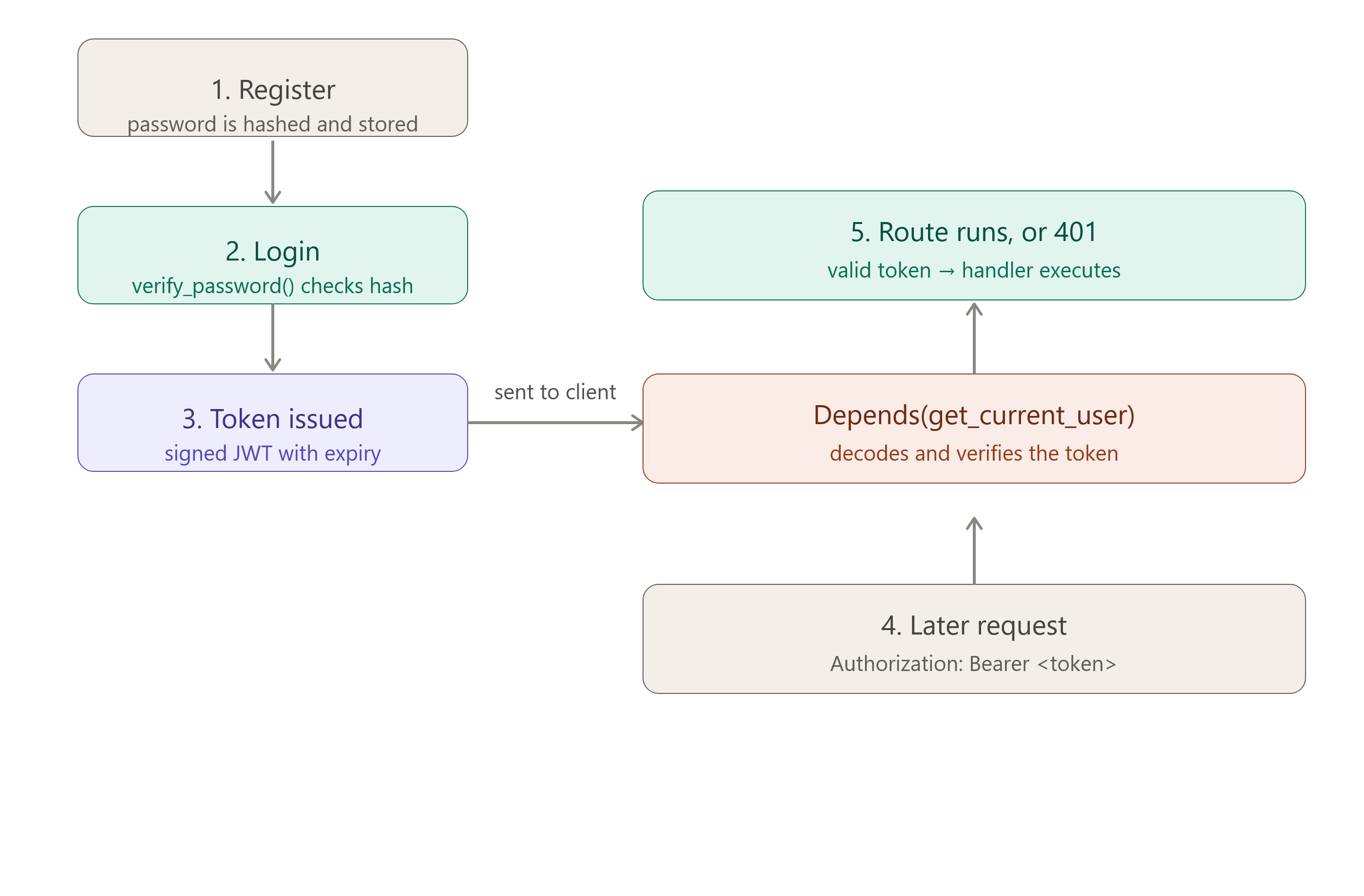
This is where it connects back to Depends() from Part 2 — the same dependency injection pattern, just checking a token instead of opening a database session:
from fastapi.security import OAuth2PasswordBearer
from auth import decode_access_token

oauth2_scheme = OAuth2PasswordBearer(tokenUrl="login")

def get_current_user(token: str = Depends(oauth2_scheme)):
    try:
        payload = decode_access_token(token)
        return payload["sub"]
    except ValueError:
        raise HTTPException(status_code=401, detail="Could not validate credentials")

@app.post("/items", response_model=schemas.ItemOut)
def create_item(
    item: schemas.ItemCreate,
    db: Session = Depends(get_db),
    current_user: str = Depends(get_current_user),   # now required
):
    db_item = models.Item(**item.model_dump())
    db.add(db_item)
    db.commit()
    db.refresh(db_item)
    return db_item
Stack as many Depends() as a route needs — FastAPI resolves them all before your function runs. No middleware registration file, no separate guard class — it's declared right on the route.
6. Gotchas for PHP developers
The secret key is not optional to protect. Load it from an environment variable, never commit it. This isn't Python-specific, but it's worth repeating: a leaked
SECRET_KEYmeans anyone can forge valid tokens.JWTs aren't automatically revocable. Once issued, a token is valid until it expires — there's no built-in "logout" that invalidates it server-side. If you need instant revocation, you need a token blocklist or short expiry + refresh tokens.
Don't put sensitive data in the payload. JWT payloads are signed, not encrypted — anyone can decode and read them (just not forge them). Put a user ID or username in there, not a password or personal data.
Refresh tokens are a separate flow. A 30-minute access token alone means users get logged out often. A real system pairs it with a longer-lived refresh token, stored and validated server-side — worth a Part 4 if there's interest.
What's next
With this, the API from Part 2 now has real authentication: register, log in, and protected routes that require a valid token. From here, natural next steps are role-based permissions, refresh tokens, and rate limiting.
Have you built JWT auth in Python before? What tripped you up?